The Commands page shows the executions of your command-line scripts: migrations, imports, scheduled maintenance tasks.
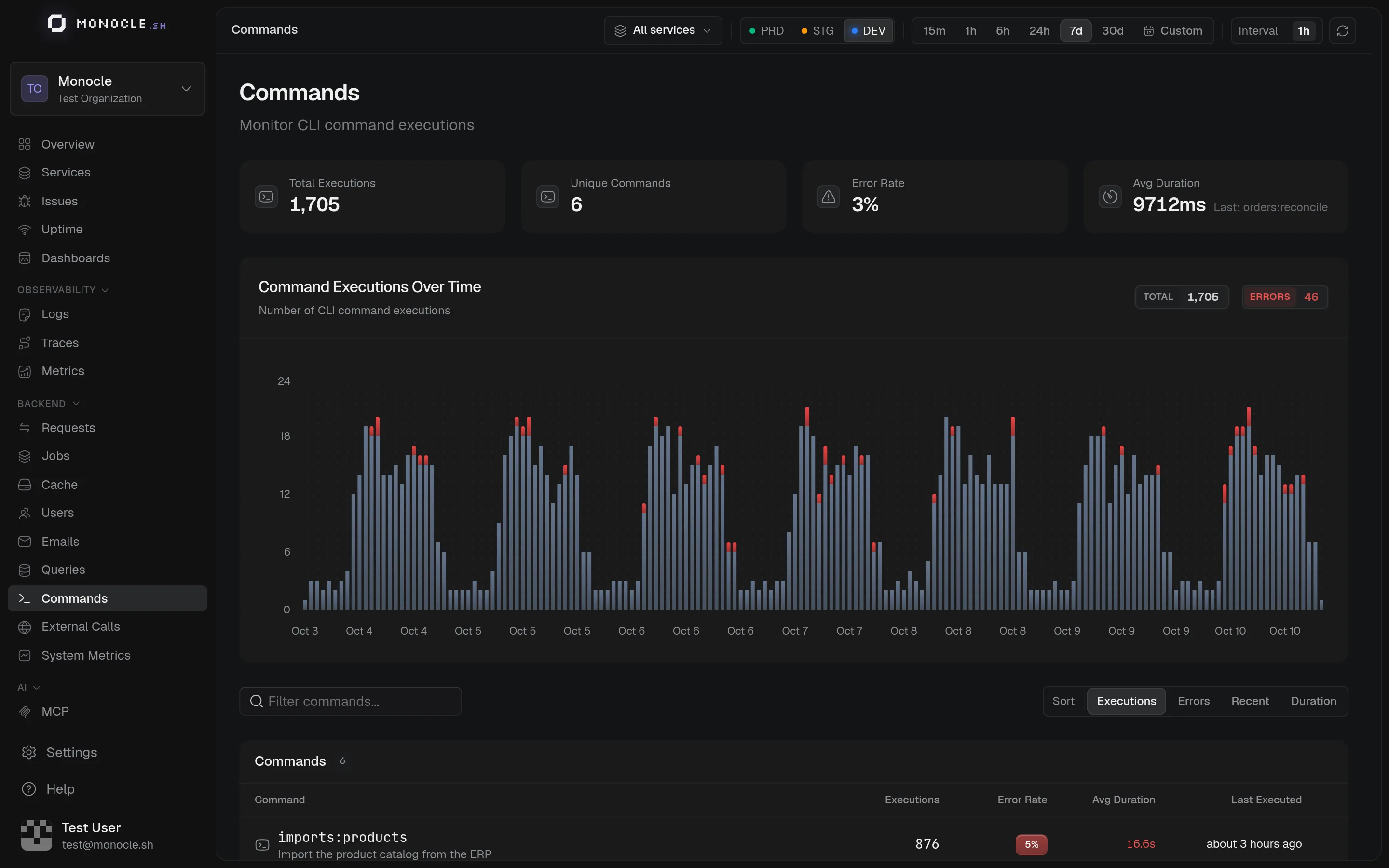
What you see
- Total Executions, Unique Commands, Error Rate, and Avg Duration
- Command Executions Over Time, split between successful and failed runs
- One row per command and service, with its executions, error rate, average duration, and last run. A Service column appears when more or fewer than one service is selected.
Click a command to see its duration stats and its Recent Executions, with the arguments and flags of each run.
A command started by another command of the same service, in the same process, counts as part of its parent and not as a separate execution. A command started from a job, or from a process that passed it a TRACEPARENT, counts as a command of its own.
Setup
With the AdonisJS agent, Ace commands are traced automatically, as long as bin/console.ts imports otel.ts first. Scaffolding commands (make:*) and long-running workers (queue:work) are skipped. See Mail, Queue & CLI to include or exclude commands.
With another SDK, mark the root span of your command with entry_point.type=cli and cli.command.name. See Semantic conventions.