Your production data,
in your coding agent.
Connect Claude Code, Cursor, or any MCP client in one command. Your agent reads your issues, traces, and logs, fixes what broke, and sets up alerts and dashboards for you.
Approve once, in your browser
Issues, traces, logs, metrics…
From any exception, one click
Writes need their own scope
One URL, and your agent signs in
Add the server, approve access in your browser, and ask. Your agent is not tied to one project: it moves between your organizations, apps, and environments on its own.
- Works with Claude Code, Claude Desktop, Cursor, and any MCP client with OAuth
- From a terminal, one command adds it: npx add-mcp https://api.monocle.sh/mcp
- Reads issues, traces, logs, endpoints, queries, jobs, metrics, deployments, and uptime
- Write tools need the mcp:write scope and manager access, or your client never sees them
Connectors
Add custom connector
From an exception to a fix prompt
Every exception and issue has a Copy prompt button. The prompt carries the exception and the exact MCP call to fetch its stack trace and occurrences, so your agent starts from the evidence, not from a guess.
- Or open it straight in Claude Code, Codex, Cursor, or T3 Code, already filled in
- Choose the tools listed in the menu from your profile settings
- The Usage page has one too, to explain and reduce what you ingest
PaymentTimeoutError
Payment provider timed out
61
occurrences
58
users
3h ago
last seen
PaymentTimeoutError: Payment provider timed out
at PaymentService.charge (payment_service.ts:42)
at CheckoutController.store (checkout_controller.ts:18)
Triage without leaving your editor
Your agent lists the issues to look at, opens one with its latest occurrence, and resolves it with a note once the fix ships. Changes show up in the issue activity under your name.
- Filter issues by new, regressed, high priority, unassigned, or assigned to you
- Create a Linear or GitHub ticket for an issue, or link an existing one
- Declare a status incident from detected outages, and post its updates
Alerts and dashboards, written for you
With write access, your agent does the busywork: alerts on your busiest endpoints, or a dashboard for the release you are about to ship. You review what it made.
- Alerts are previewed on real traffic and created paused, ready for you to review
- Dashboards and widgets built from any OpenTelemetry metric
- Pause an alert during a planned migration, and resume it after
Let your agent set up Monocle
The onboarding hands you a prompt for your coding agent. It reads your repository, creates one service per app you deploy, installs the SDKs, and checks that data arrives.
- An AdonisJS app that serves its own frontend stays one service
- Asks you before identifying users or sending browser console logs
- Ends with the steps left to you, like setting APP_ENV where you deploy
Plugs into your stack
Claude Code
Monocle MCP and fix prompts
Cursor
Monocle MCP and fix prompts
Codex
Fix prompts in the matching workspace
T3 Code
Fix prompts in the linked repository
Linear & GitHub
Tickets created by your agent
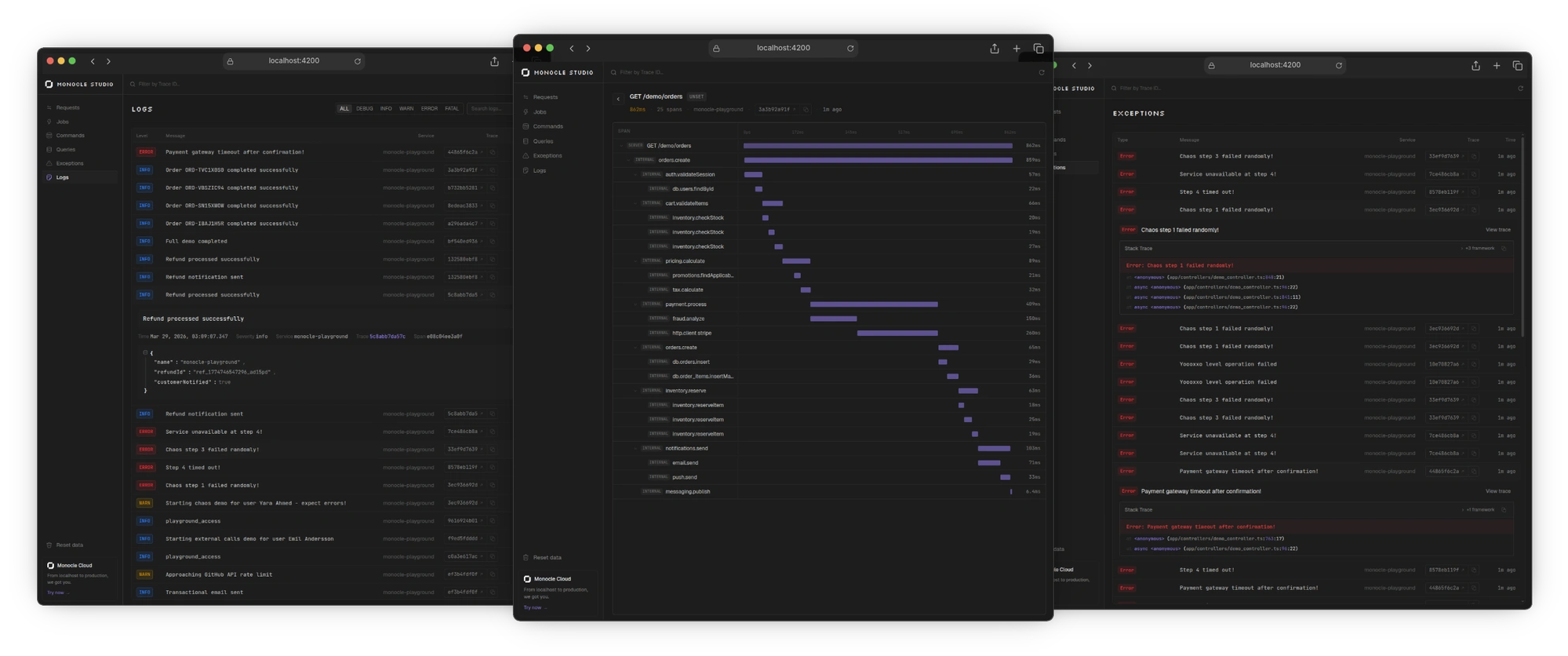
Monocle Studio MCP
The same, for localhost
See what your apps
are really doing.
Traces, logs, errors and metrics for every app you ship. Bring it all into focus.